Showing posts with label Windows Longhorn. Show all posts

Sunday, February 11, 2018

A Flight Of Fancy On A Windswept Field

Okay.  Longhorn is installing. 
What I said before? Firing up Win2k3, creating a partition, cloning off the VM and overwriting it?
Worked perfectly!
So here we go:
VirtualBox_Longhorn 5048 Post Reset_05_02_2005_00_12_37
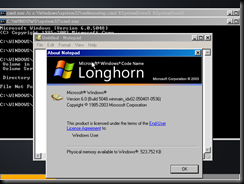
Windows Longhorn Build 5048.
VirtualBox_Longhorn 5048 Post Reset_05_02_2005_00_12_50
We have a pretty new start up screen.
VirtualBox_Longhorn 5048 Post Reset_05_02_2005_00_12_57
Welcome to Windows Setup.
VirtualBox_Longhorn 5048 Post Reset_05_02_2005_00_13_26
Agree to the Blah Blah Blah
VirtualBox_Longhorn 5048 Post Reset_05_02_2005_00_13_37
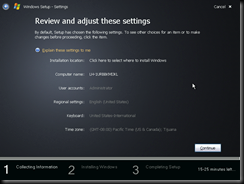
Settings?  Okay!
VirtualBox_Longhorn 5048 Post Reset_05_02_2005_00_13_41VirtualBox_Longhorn 5048 Post Reset_05_02_2005_00_13_47VirtualBox_Longhorn 5048 Post Reset_05_02_2005_00_13_50VirtualBox_Longhorn 5048 Post Reset_05_02_2005_00_13_54VirtualBox_Longhorn 5048 Post Reset_05_02_2005_00_13_57
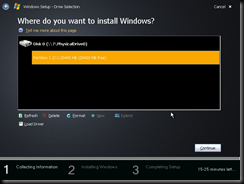
Basically what happened above was me formatting my cloned machine’s hard drive so I can install this beast.
VirtualBox_Longhorn 5048 Post Reset_05_02_2005_00_14_07VirtualBox_Longhorn 5048 Post Reset_05_02_2005_00_14_20
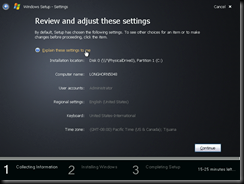
Next we name the machine.
VirtualBox_Longhorn 5048 Post Reset_05_02_2005_00_14_44VirtualBox_Longhorn 5048 Post Reset_05_02_2005_00_14_47
Just in case we wanted to set up the time zone or something? Nope! Shot down!
VirtualBox_Longhorn 5048 Post Reset_05_02_2005_00_14_56VirtualBox_Longhorn 5048 Post Reset_05_02_2005_00_16_51VirtualBox_Longhorn 5048 Post Reset_05_02_2005_00_18_48VirtualBox_Longhorn 5048 Post Reset_05_02_2005_00_19_33VirtualBox_Longhorn 5048 Post Reset_05_02_2005_00_21_00
Sit through a bunch of this crap for a few minutes…
VirtualBox_Longhorn 5048 Post Reset_05_02_2005_00_22_23

VirtualBox_Longhorn 5048 Post Reset_05_02_2005_00_23_14VirtualBox_Longhorn 5048 Post Reset_05_02_2005_00_23_18
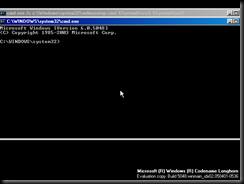
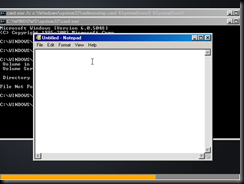
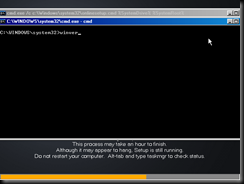
So this time around it gives an active command prompt while it is installing Windows.  I decided to play around with it a bit…
VirtualBox_Longhorn 5048 Post Reset_05_02_2005_00_23_33VirtualBox_Longhorn 5048 Post Reset_05_02_2005_00_23_53VirtualBox_Longhorn 5048 Post Reset_05_02_2005_00_24_21VirtualBox_Longhorn 5048 Post Reset_05_02_2005_00_24_27VirtualBox_Longhorn 5048 Post Reset_05_02_2005_00_25_21VirtualBox_Longhorn 5048 Post Reset_05_02_2005_00_25_39VirtualBox_Longhorn 5048 Post Reset_05_02_2005_00_27_05VirtualBox_Longhorn 5048 Post Reset_05_02_2005_00_27_43
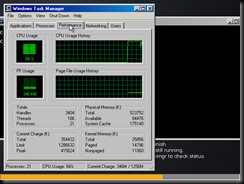
Windows Media Player had to be killed with the Task Manager.  I was unable to get Windows Explorer to load, but hey…I could have played Solitaire while I waited if I wanted to!
VirtualBox_Longhorn 5048 Post Reset_05_02_2005_00_28_29VirtualBox_Longhorn 5048 Post Reset_05_02_2005_00_33_17VirtualBox_Longhorn 5048 Post Reset_05_02_2005_00_33_31VirtualBox_Longhorn 5048 Post Reset_05_02_2005_00_33_34VirtualBox_Longhorn 5048 Post Reset_05_02_2005_00_34_30VirtualBox_Longhorn 5048 Post Reset_05_02_2005_00_34_37VirtualBox_Longhorn 5048 Post Reset_05_02_2005_00_34_41VirtualBox_Longhorn 5048 Post Reset_05_02_2005_00_34_56
That was basically the end of the installation.  Later I will play around with the OS and see what fun things there are to be had.
*Bonus*
VirtualBox_Longhorn 5048 Post Reset_05_02_2005_00_41_52
Aero Theme!

Stretched To The Point Of No Turning Back

So I figured out why the Windows Longhorn build 5048 was giving me install errors!
It does not have the ability to create a partition on a blank hard disk!  Which simply means spinning up a different install ISO long enough to create a partition.  Exit Windows setup, switch out the ISO and restart.
Will it be that easy?
MAYBE!
VirtualBox_Windows .Net Server 2003_01_11_2004_23_55_09Right now I am ripping my Windows .Net Server 2003 RC2 CD so I can use that.  I’ll probably set it up then clone off the virtual machine so I can install Longhorn.

Tuesday, February 6, 2018

Into The Distance A Ribbon Of Black

Started playing with the Windows Vista Longhorn Post Reset betas today.  Ran into some issues in the install, but here is what I have so far:

Bios date set to 2/5/2005, IDE controller for 25gb hard disk and CD-ROM.

VirtualBox_Longhorn Post Reset_05_02_2005_22_25_27VirtualBox_Longhorn Post Reset_05_02_2005_22_26_07VirtualBox_Longhorn Post Reset_05_02_2005_22_27_42VirtualBox_Longhorn Post Reset_05_02_2005_22_27_51VirtualBox_Longhorn Post Reset_05_02_2005_22_27_59VirtualBox_Longhorn Post Reset_05_02_2005_22_28_03VirtualBox_Longhorn Post Reset_05_02_2005_22_28_27

As you can see it did not care for my storage configuration in VirtualBox.  Going to have to figure that one out.

Saturday, September 16, 2017

Carry On My Wayward Son

Okay.  I'm going to start off by saying this thing is stupid long.

Like seriously stupidly long. 

This is one of the last public builds of the Pre-Reset Windows Longhorn.  It was still heavily influenced by and borrowed a lot from Windows XP.

I'm not going to lie...I had an awful lot of fun with this one.  Don't ask how or why, but I was really enjoying my time here.  

First off, the installation Process.


We have our standard Preinstallation loading screen.


New OS, new splash screen.  Awesome.


Wait...What? No blue text based installation?  What kind of nonsense is this?


Pretty straightforward so far.


Plug in a serial number...


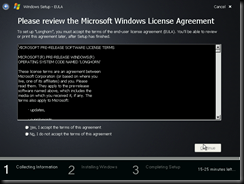
Agree to a license agreement that you (probably) won't even read.


Yay for a summary with things you can sometimes change.


Disk Manager app that has become such a familiar sight.


Name your PC


Backtrack to an updated settings screen.


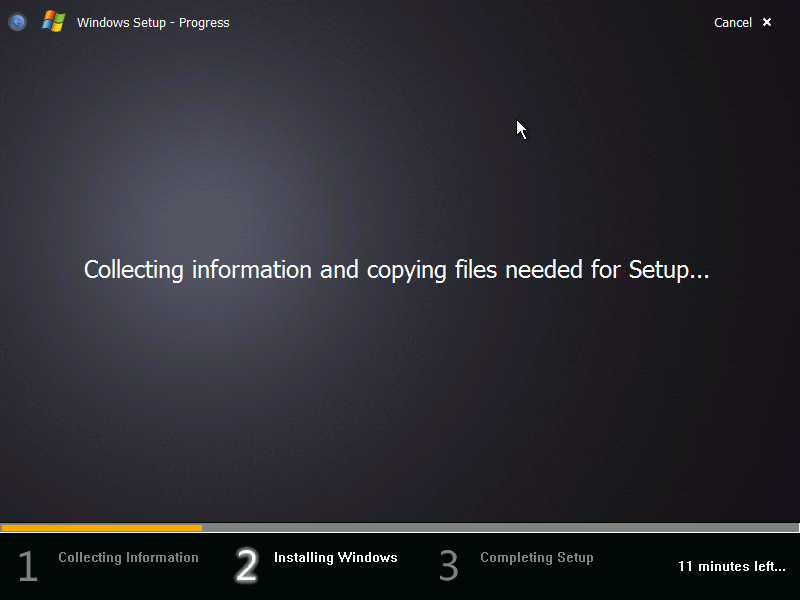
Now we wait.


And wait.


Keep with the waiting.

Setup is detecting stuff...Hooray!


I did this on a laptop.  Now we have the updated battery screen.


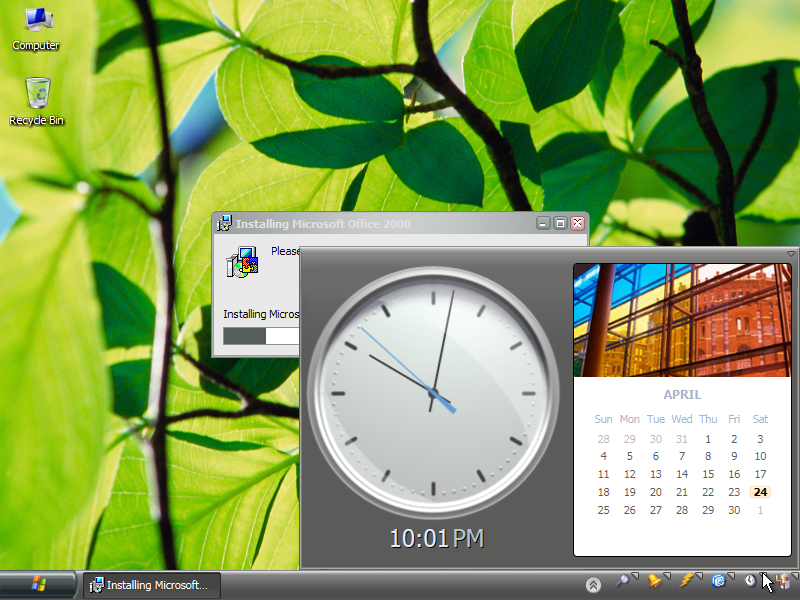
I really like the clock and calendar here. 
Wish it had stuck around.


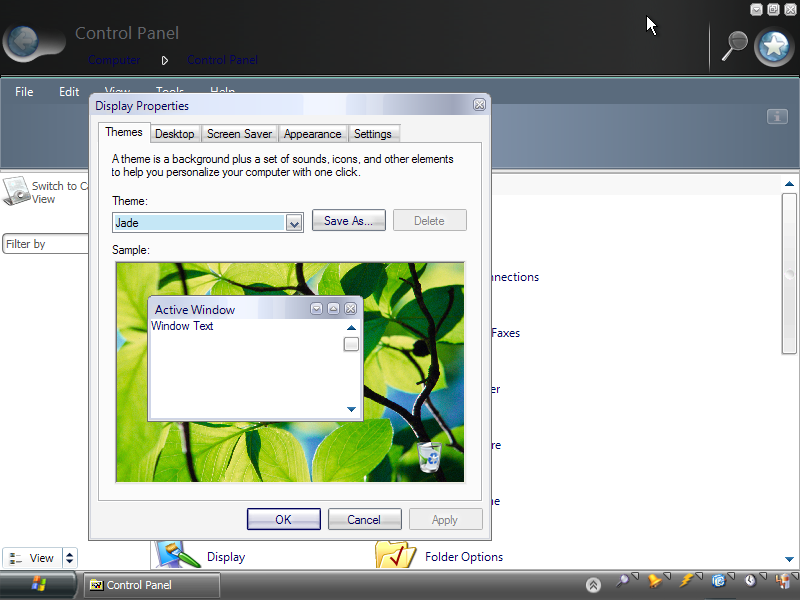
Control Panel.


More of that.


Notification screen.  Yes. That is Office 2000 Professional
installing in the background.


Hooray...My battery doesn't suck!


The My Computer screen.  I haven't really decided
how to feel about things like the sidebar.


Yet more control panel.


Looking over the power options.